Clock, score & penalties
Keep the game clock, goals, shots, timeouts and penalties together on the live screen.
Run the scoreboard, clock, penalties, music and match presentation from one place. Choose Game Sheet Mode when you need a match record.
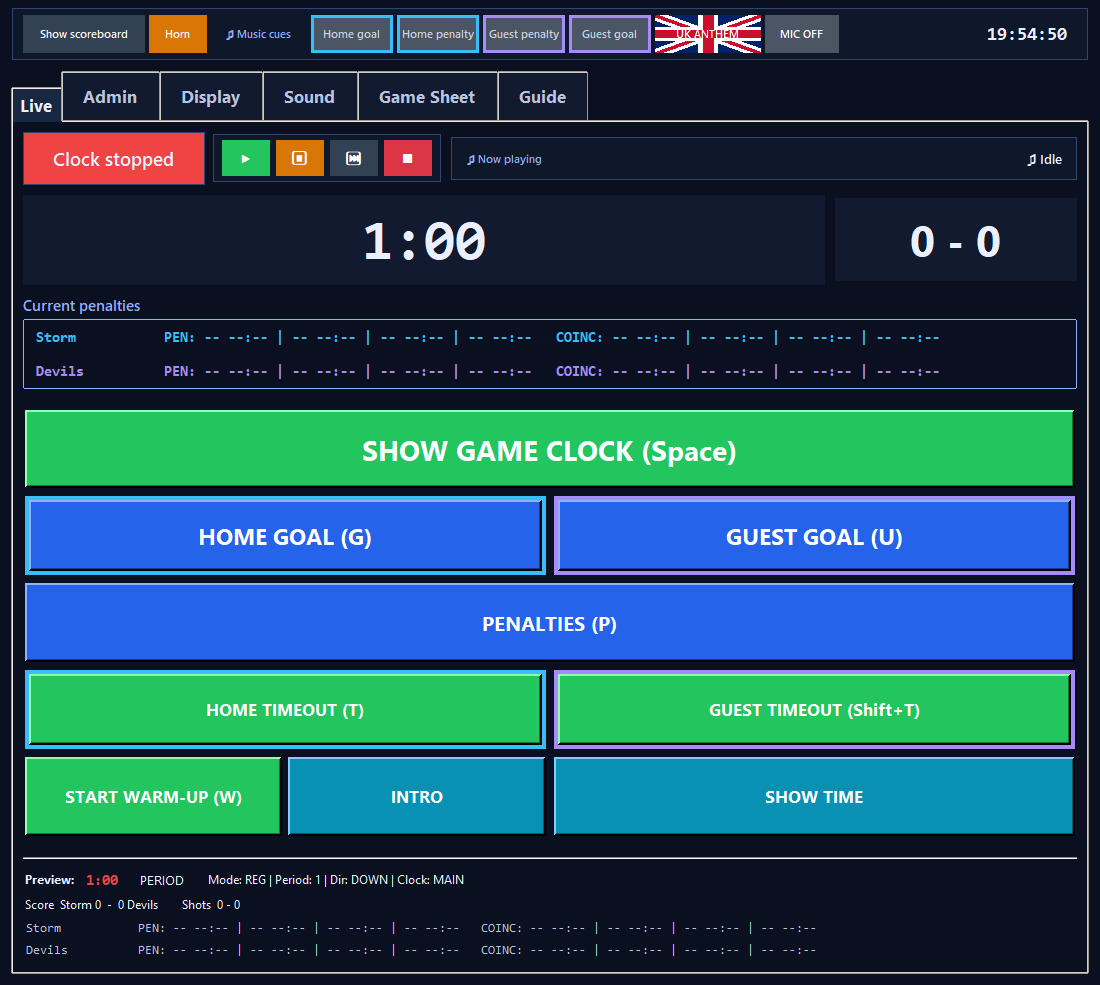
From the pre-game display to the final score, the operator has the controls they need at the moment they need them.
Keep the game clock, goals, shots, timeouts and penalties together on the live screen.
Organise music for warm-up, goals, stoppages, timeouts and intermissions.
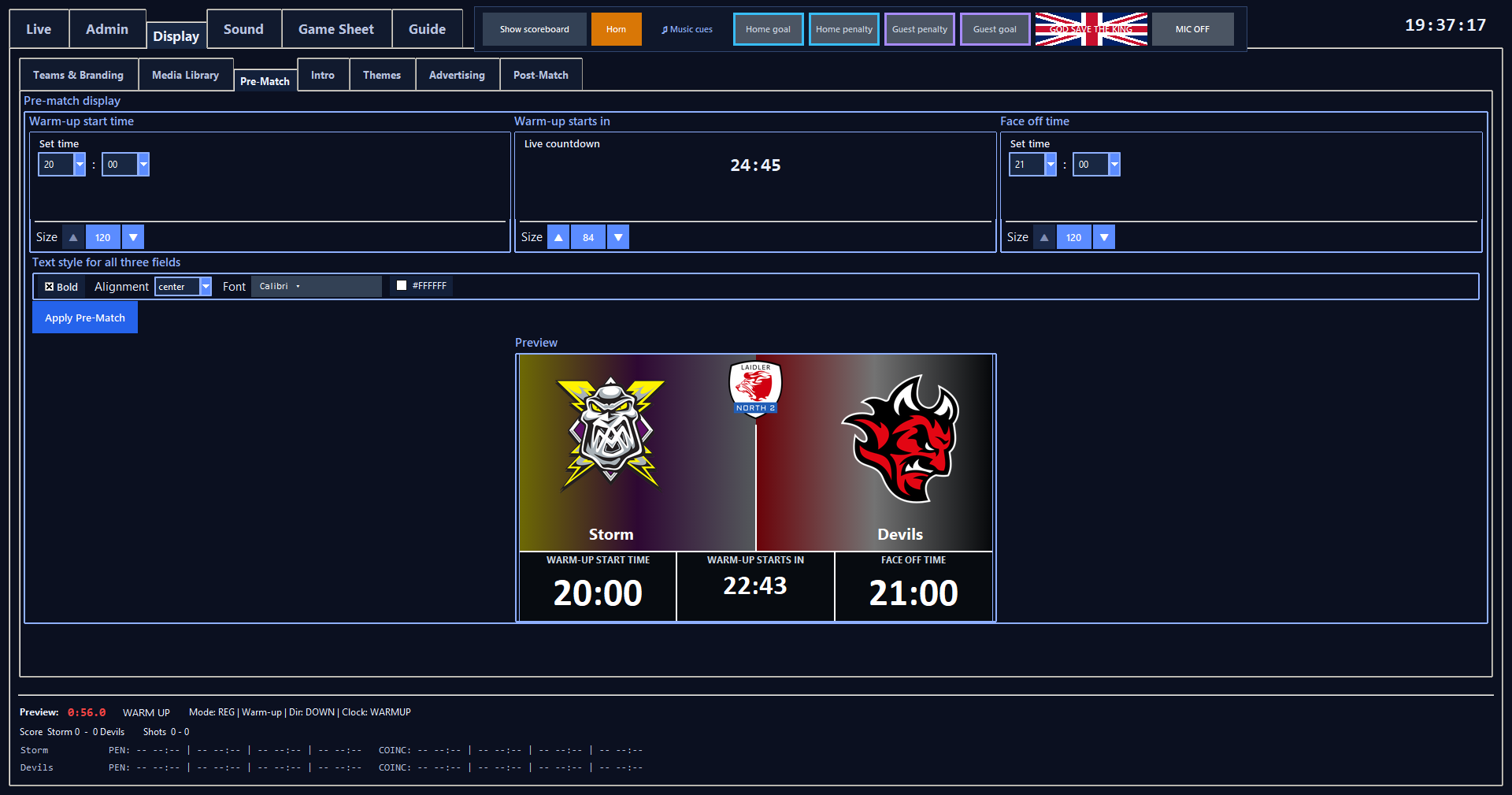
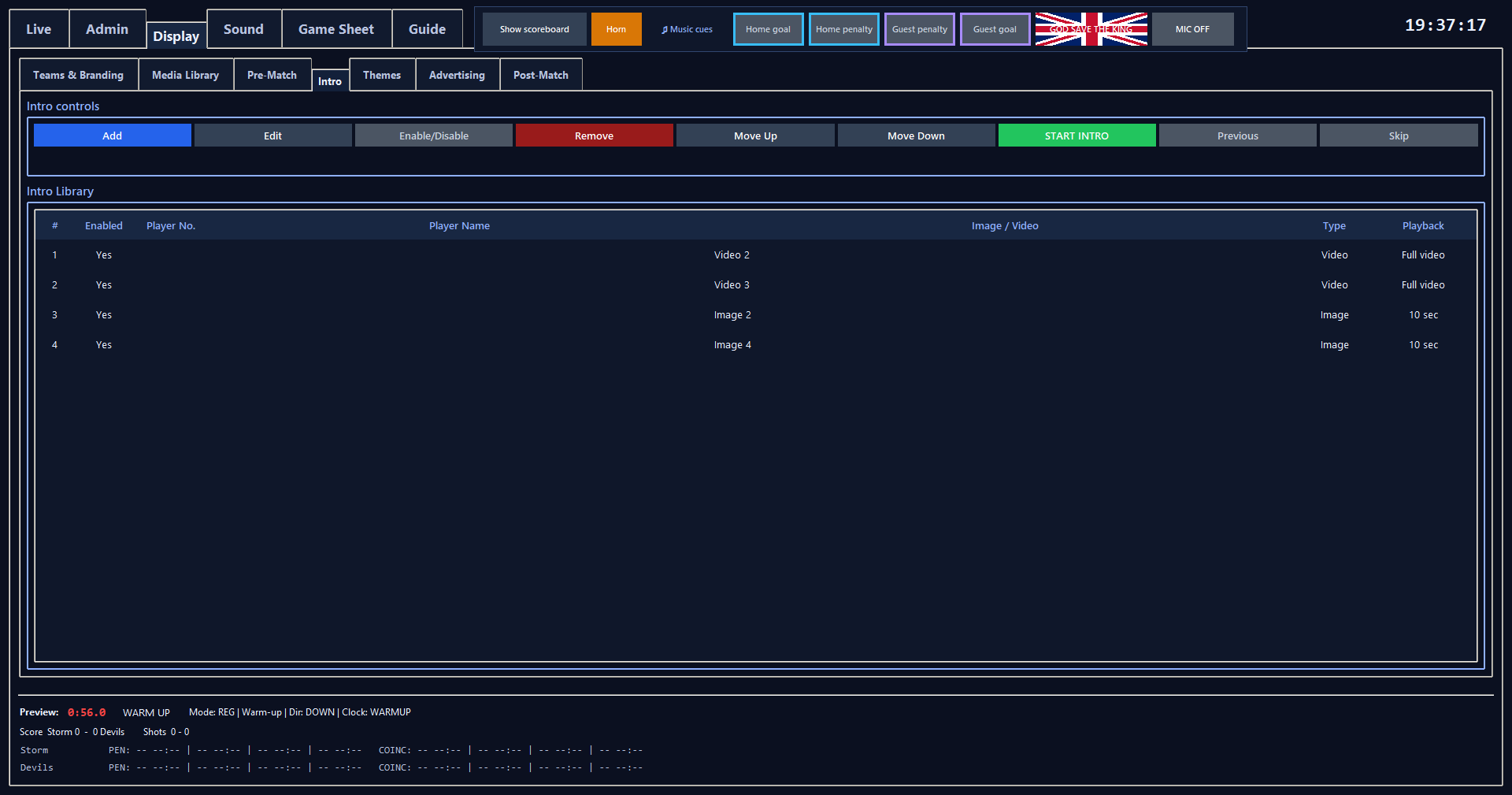
Use team branding, match details, themes and advertising on the venue display.
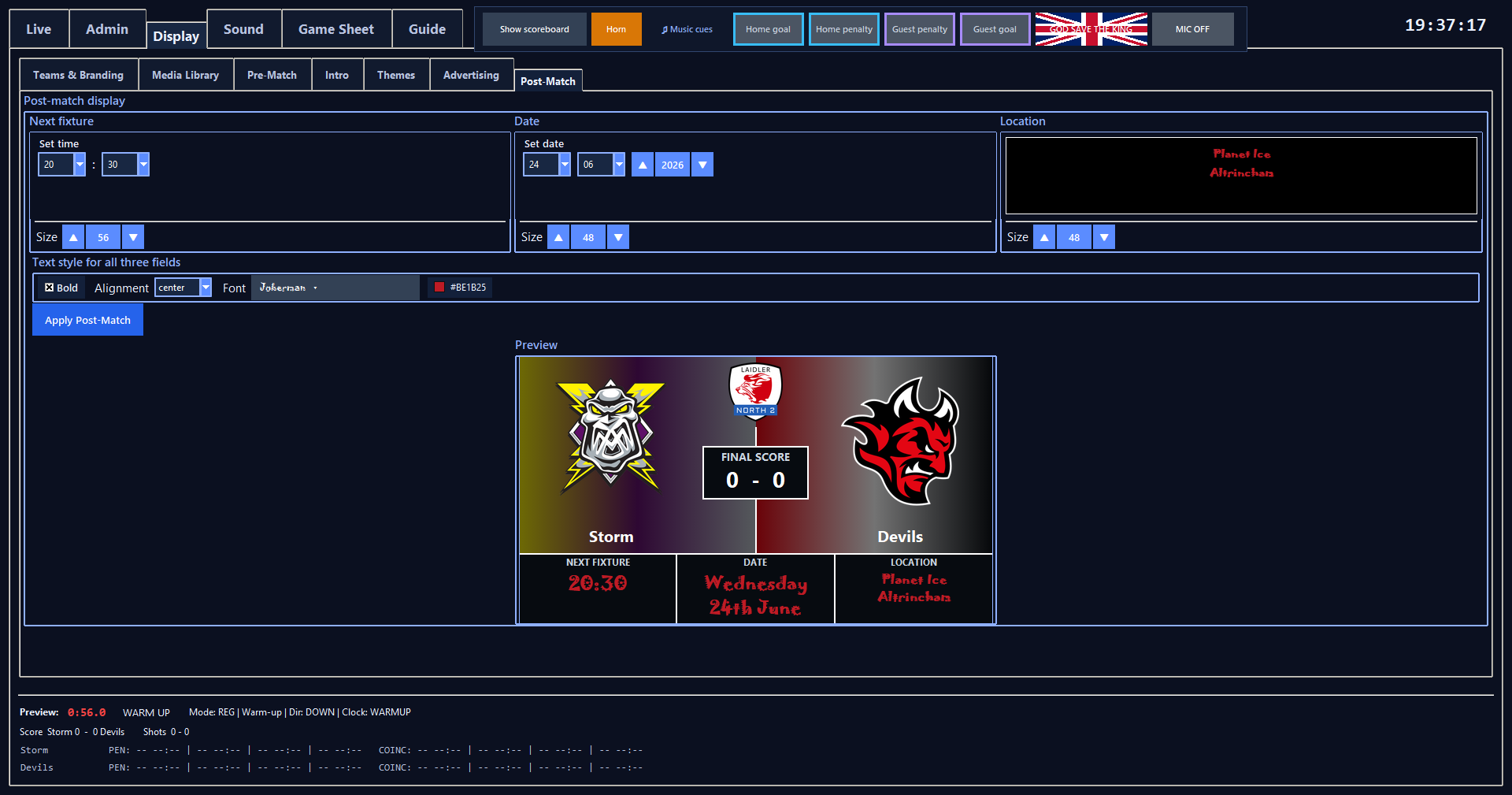
Show fixture details before face-off and the final score when the game ends.
Choose Game Sheet Mode to record match events, edit the sheet and produce a PDF.
Large, distinct actions help the operator work quickly when the game gets busy.
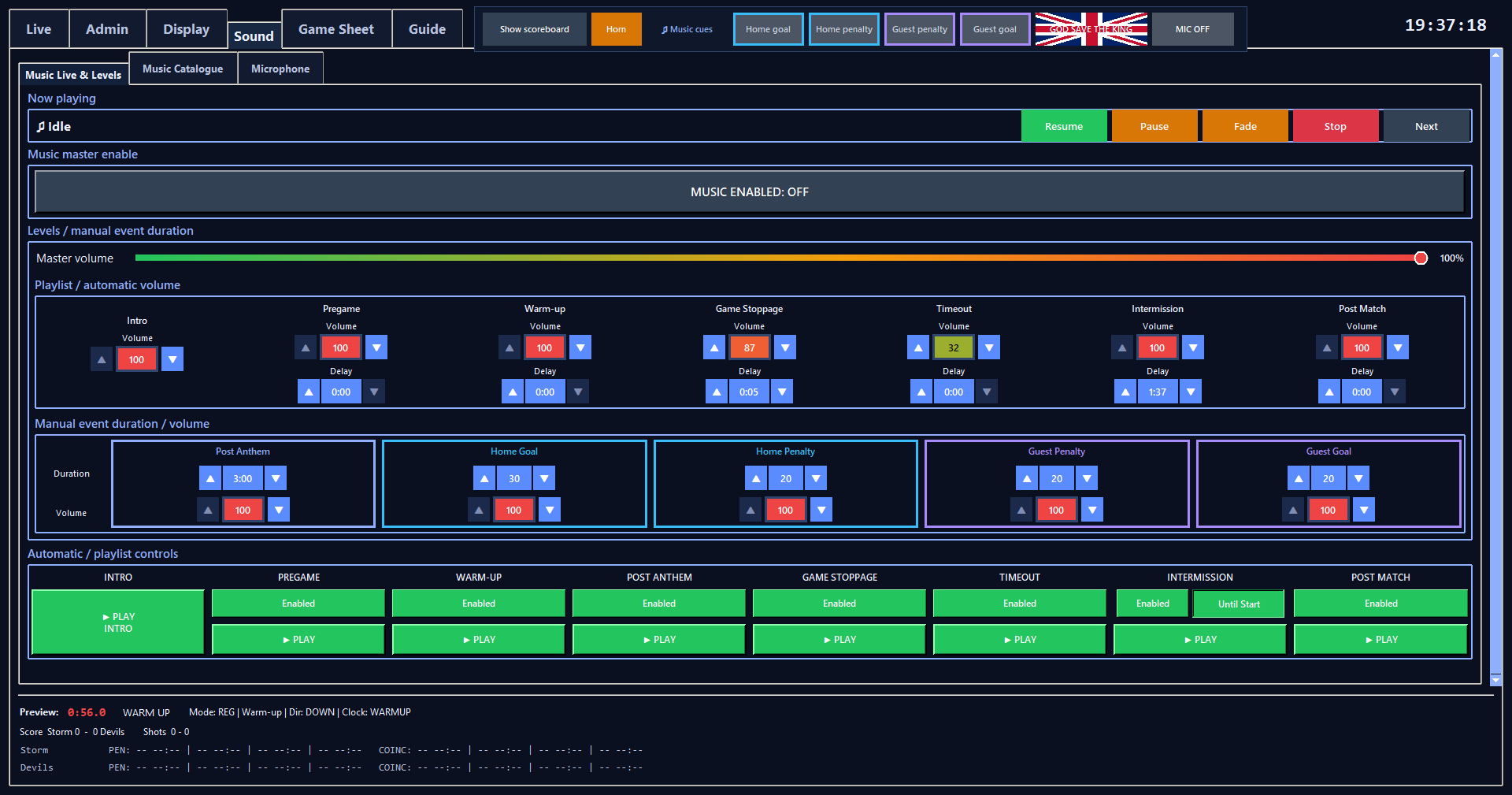
The Sound workspace groups music by match phase and includes microphone controls for rink announcements.
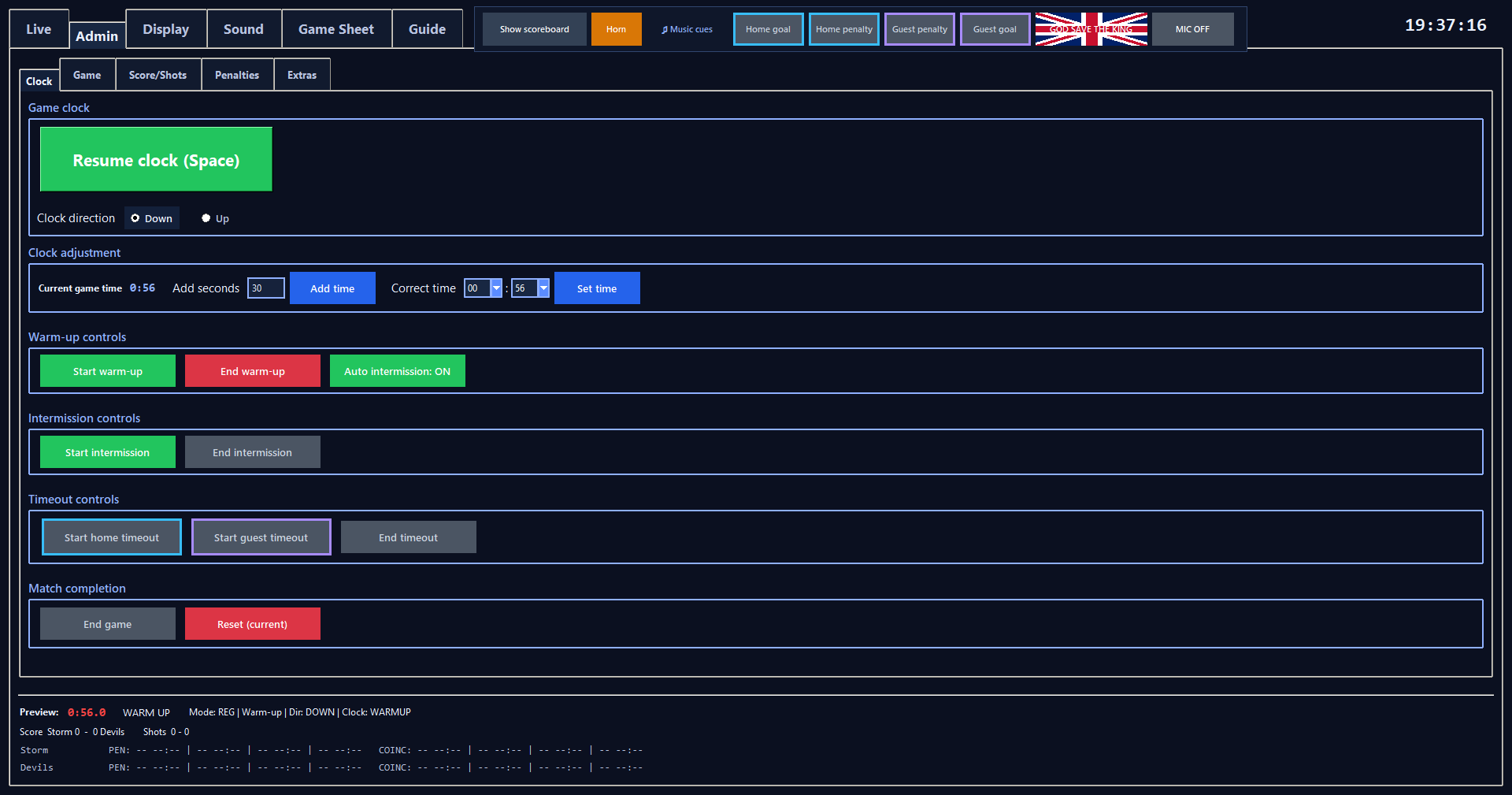
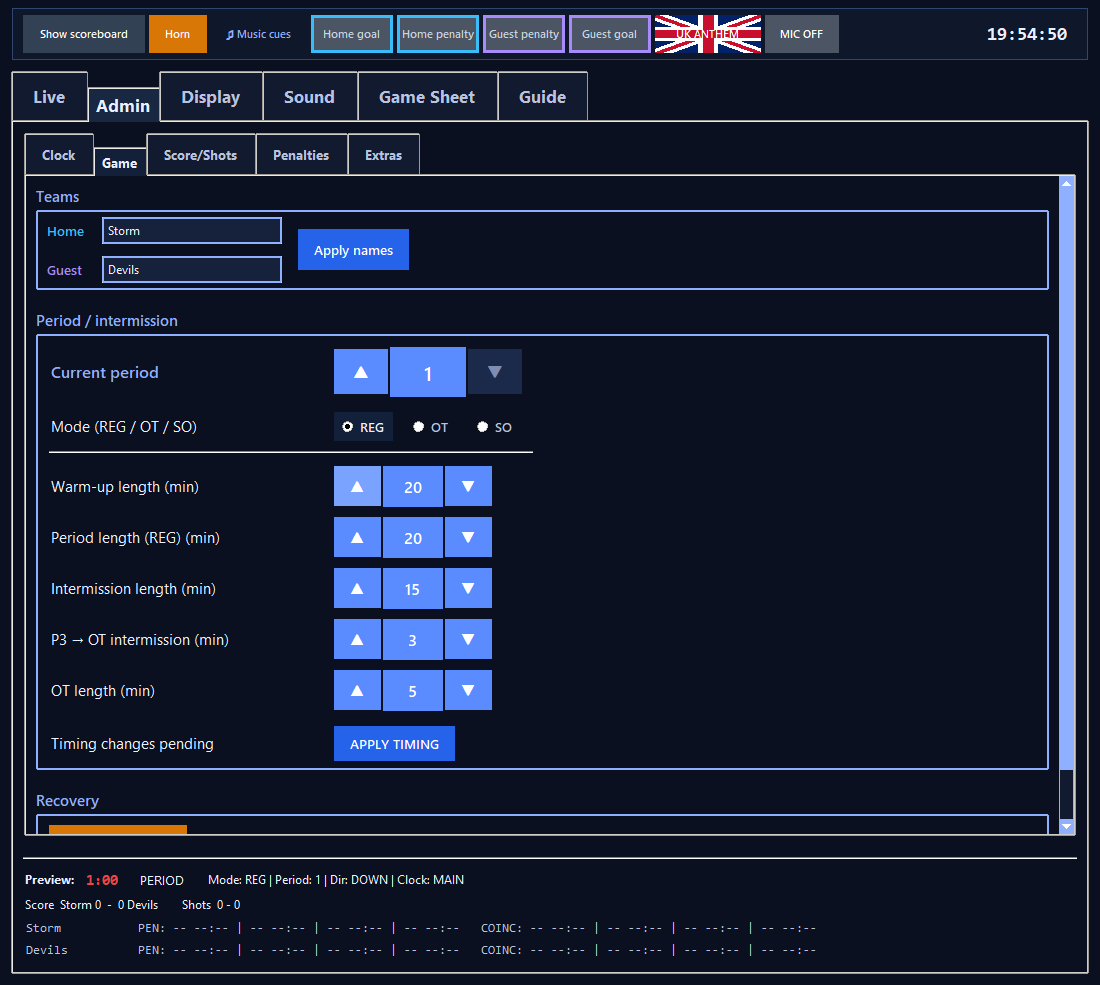
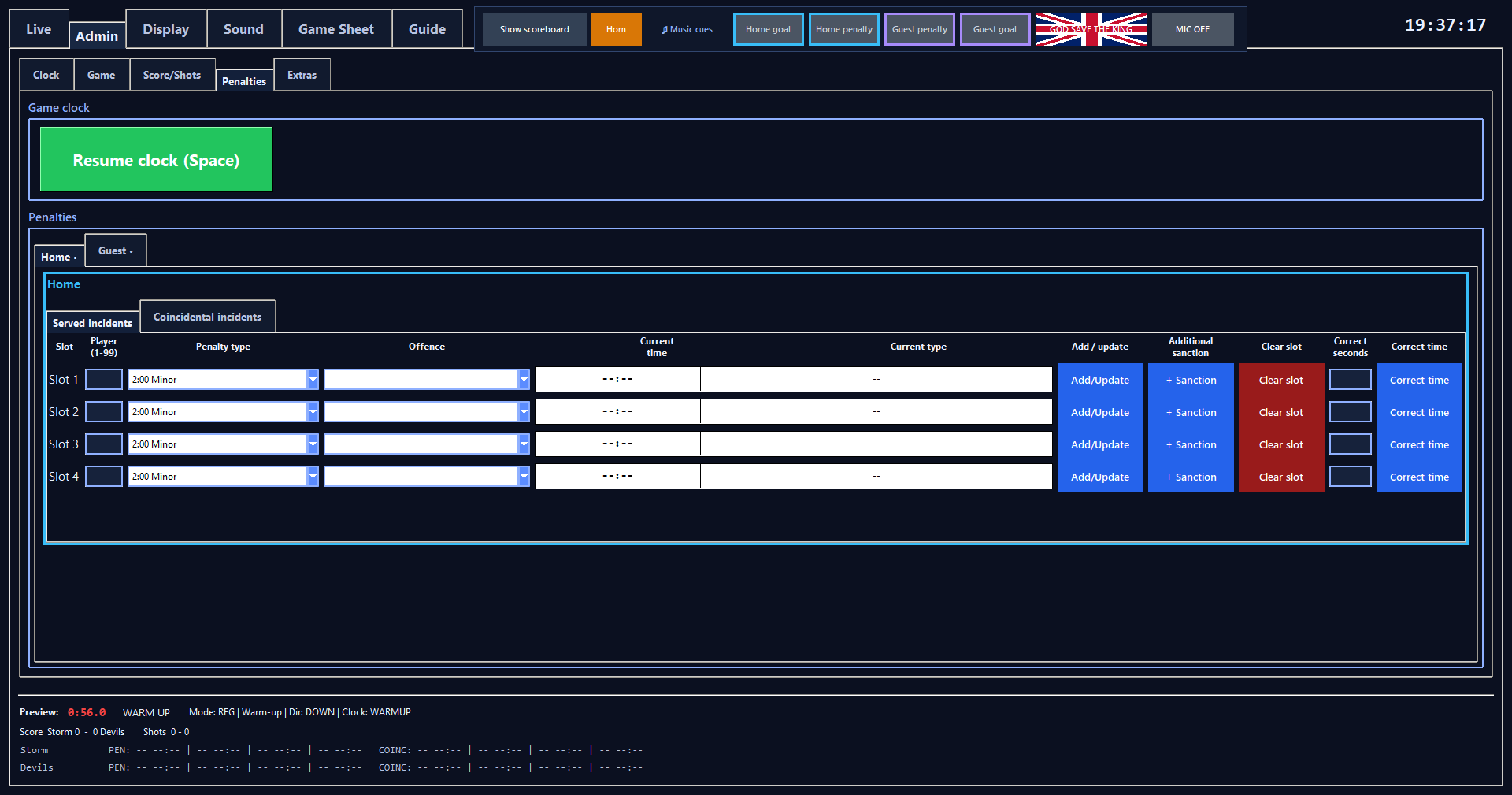
Set match timing, adjust the clock and manage penalties from Admin.
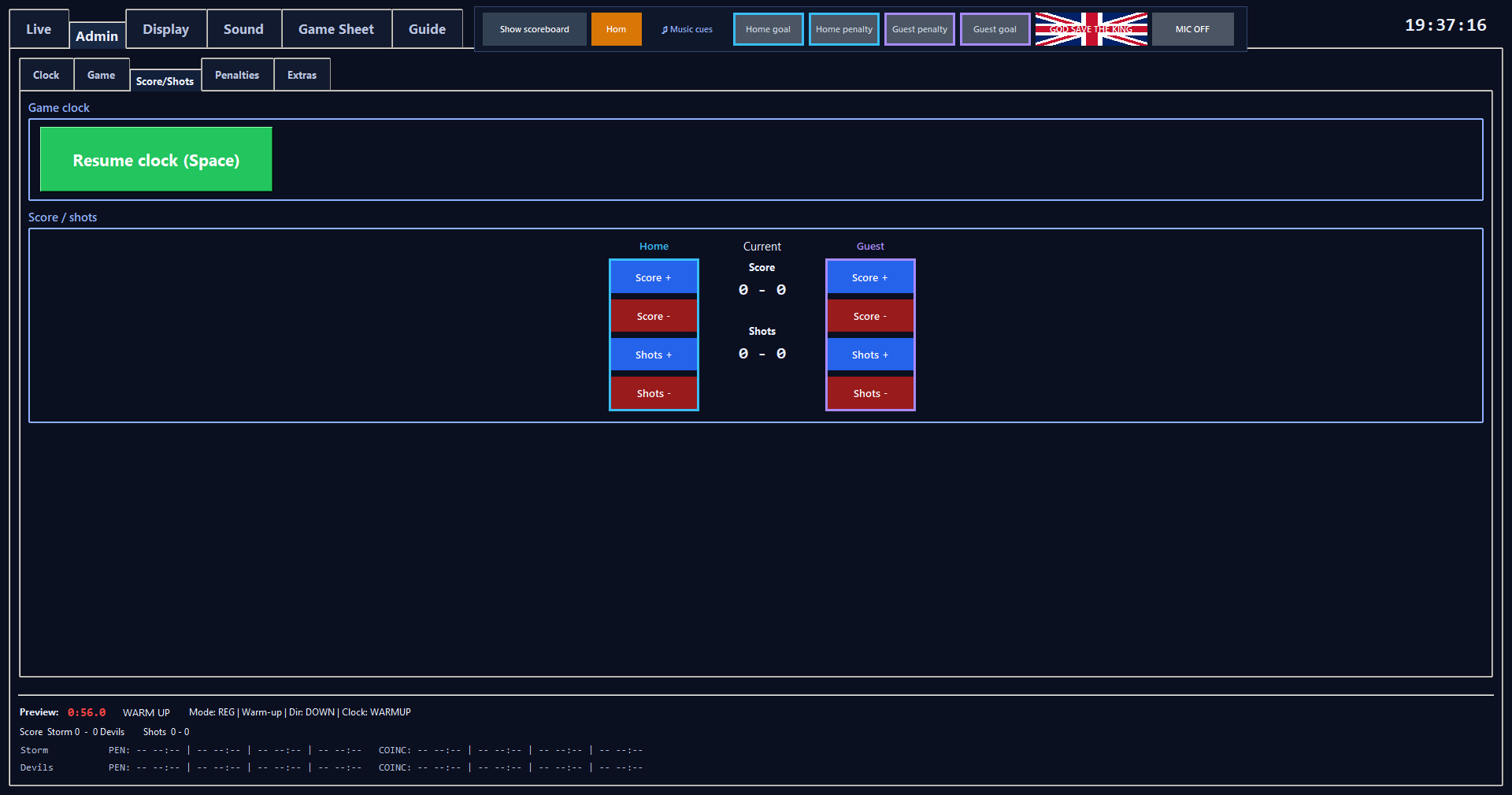
Select a microphone, see its status and level, and choose how music resumes after an announcement.
Sound > Microphone includes output volume, feedback protection, Natural, Arena PA, Deep and Bright voice presets, and manual Live/Muted controls. Read the Microphone guide →
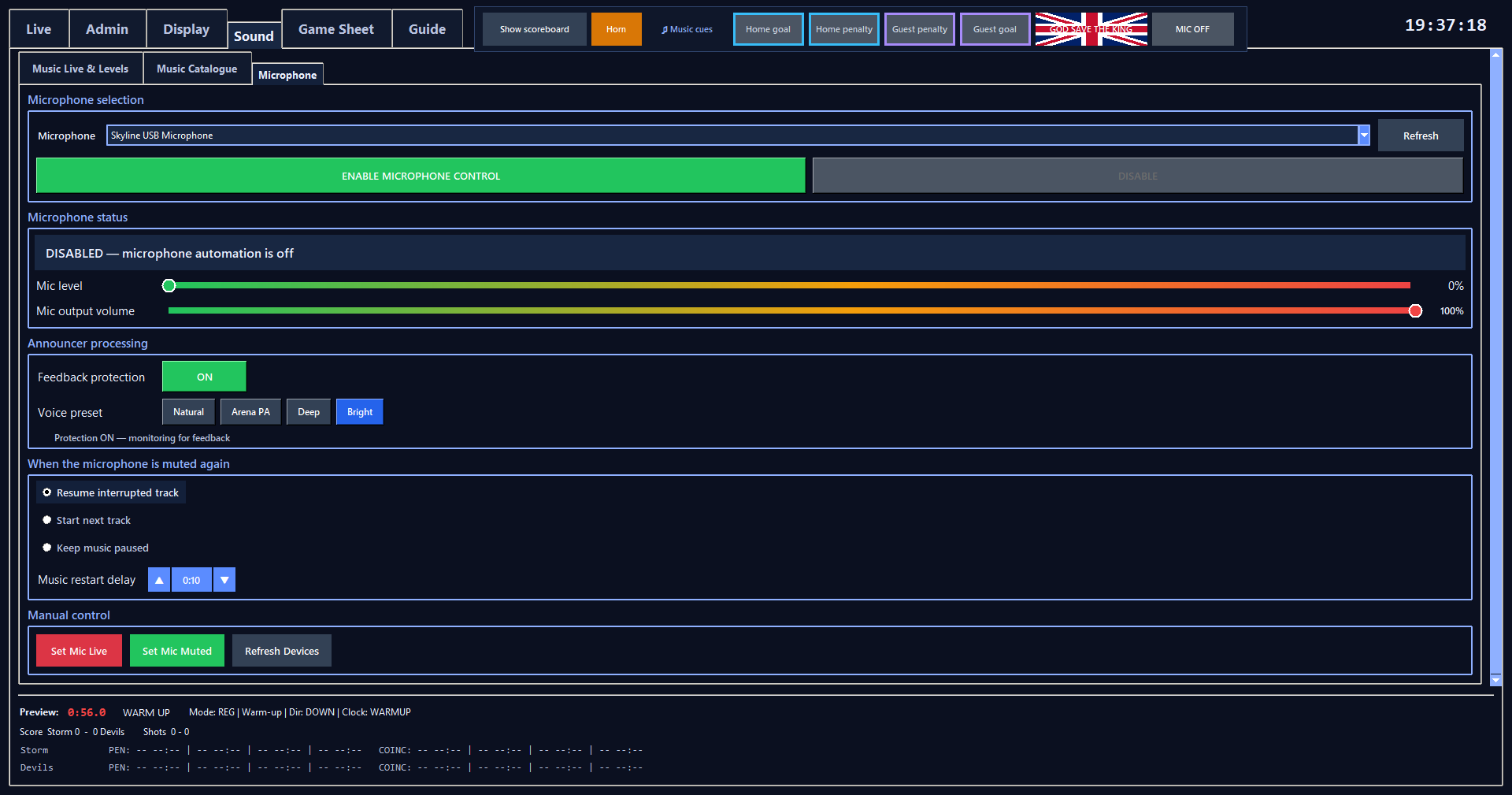
Organise tracks by match situation and control playback during play.
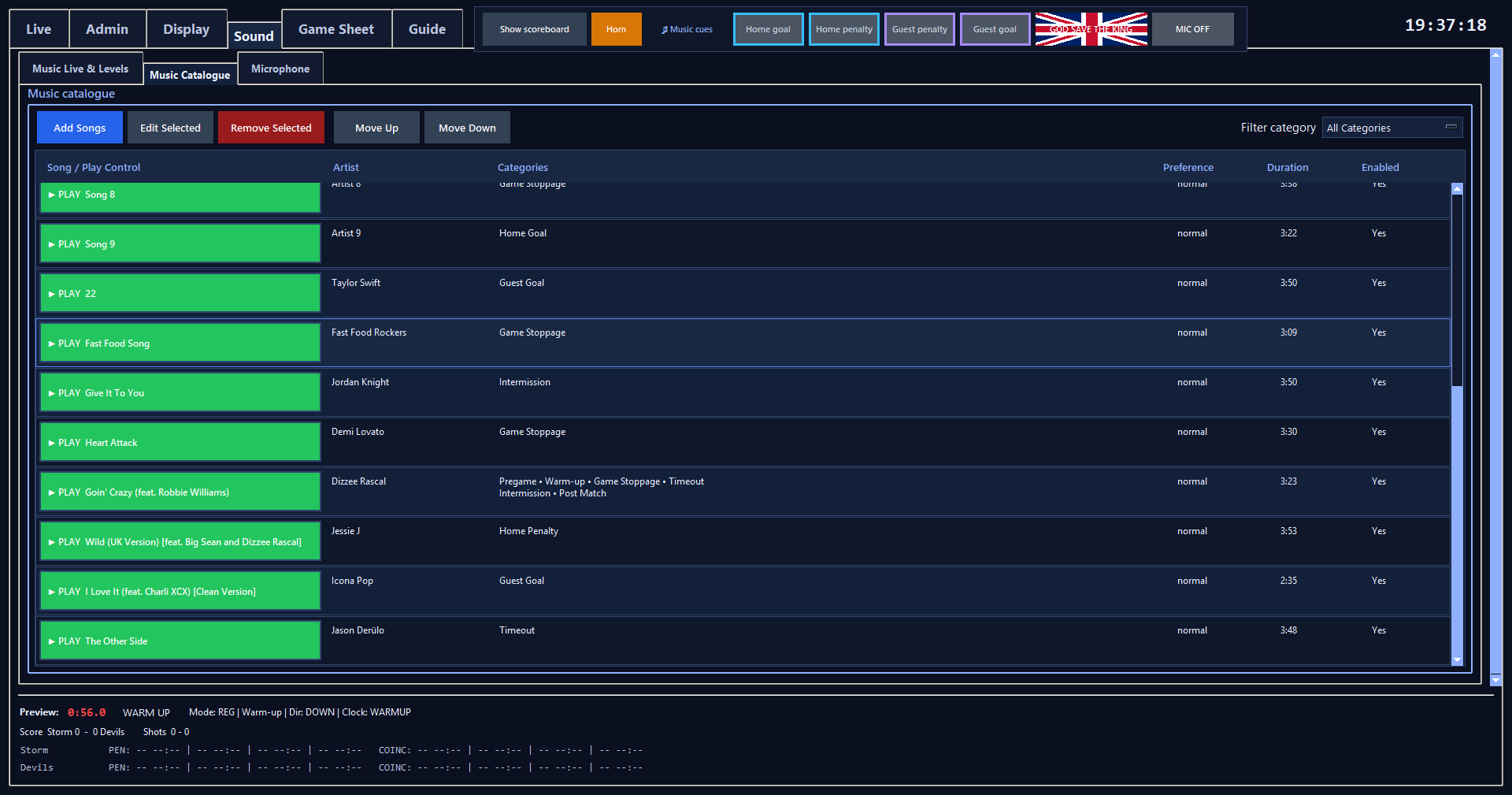
Use the shared Media Library for player intros and intermission advertising.
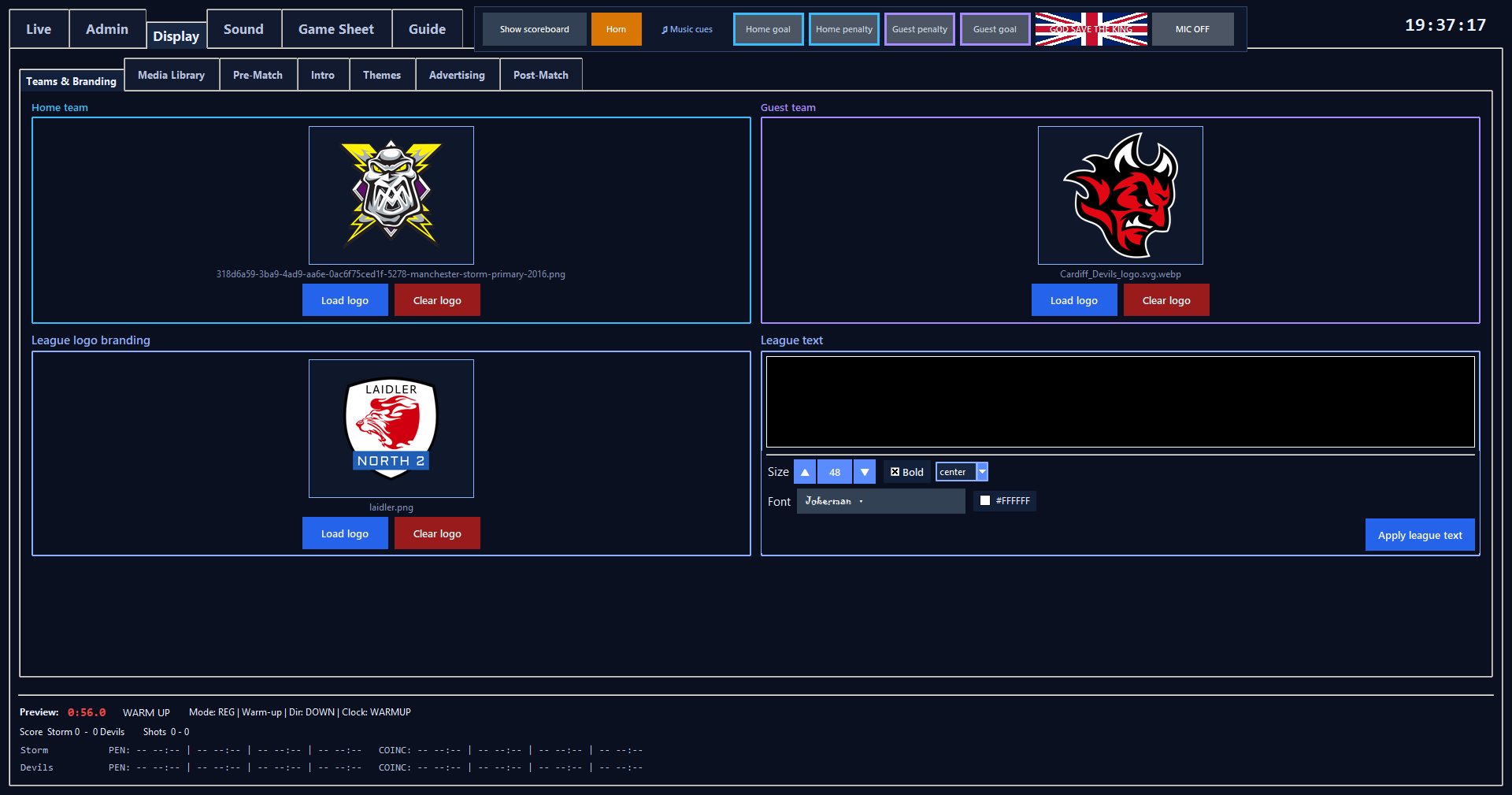
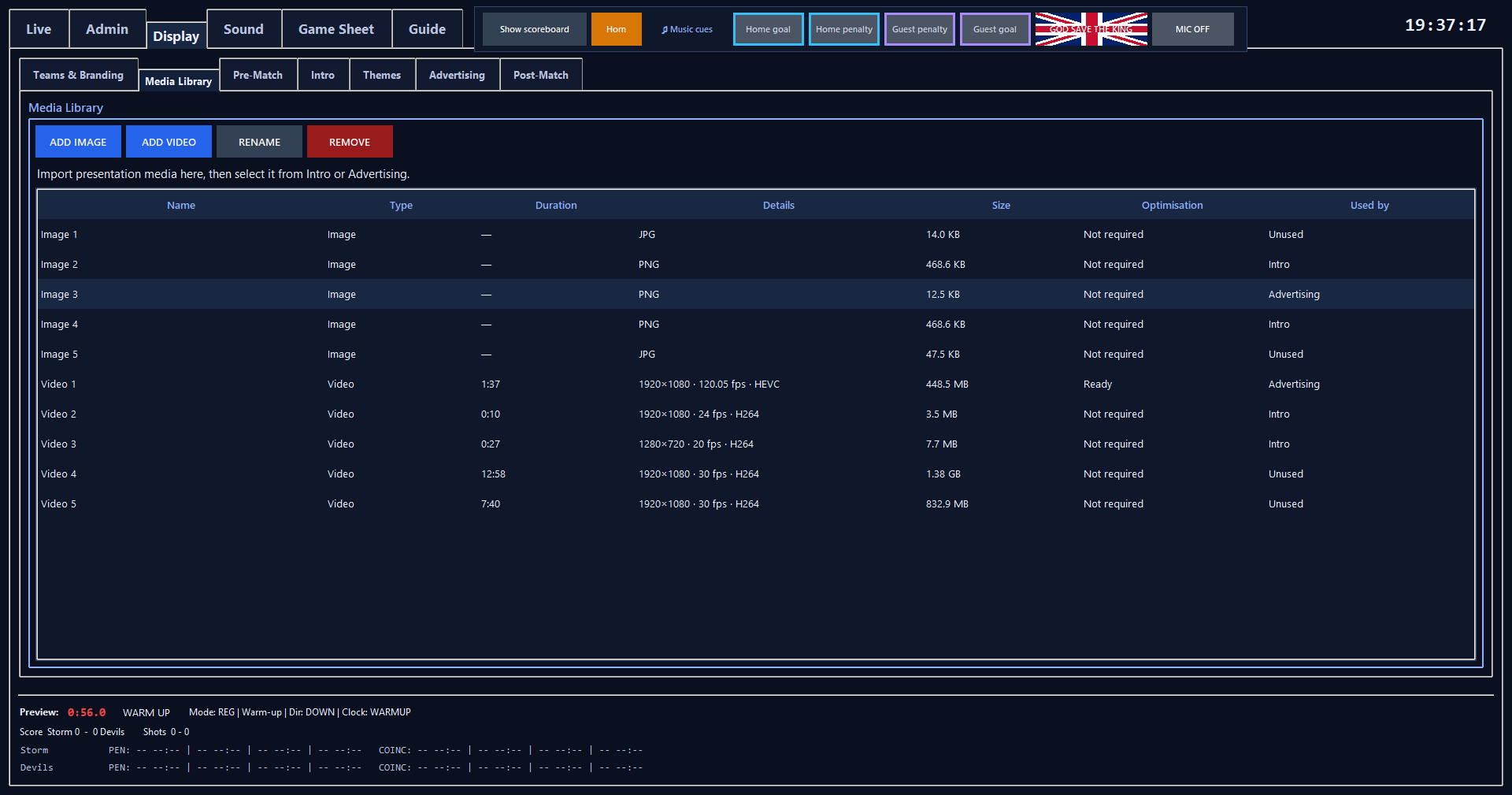
Arrange introductions, choose a theme and schedule advertising for intermissions.
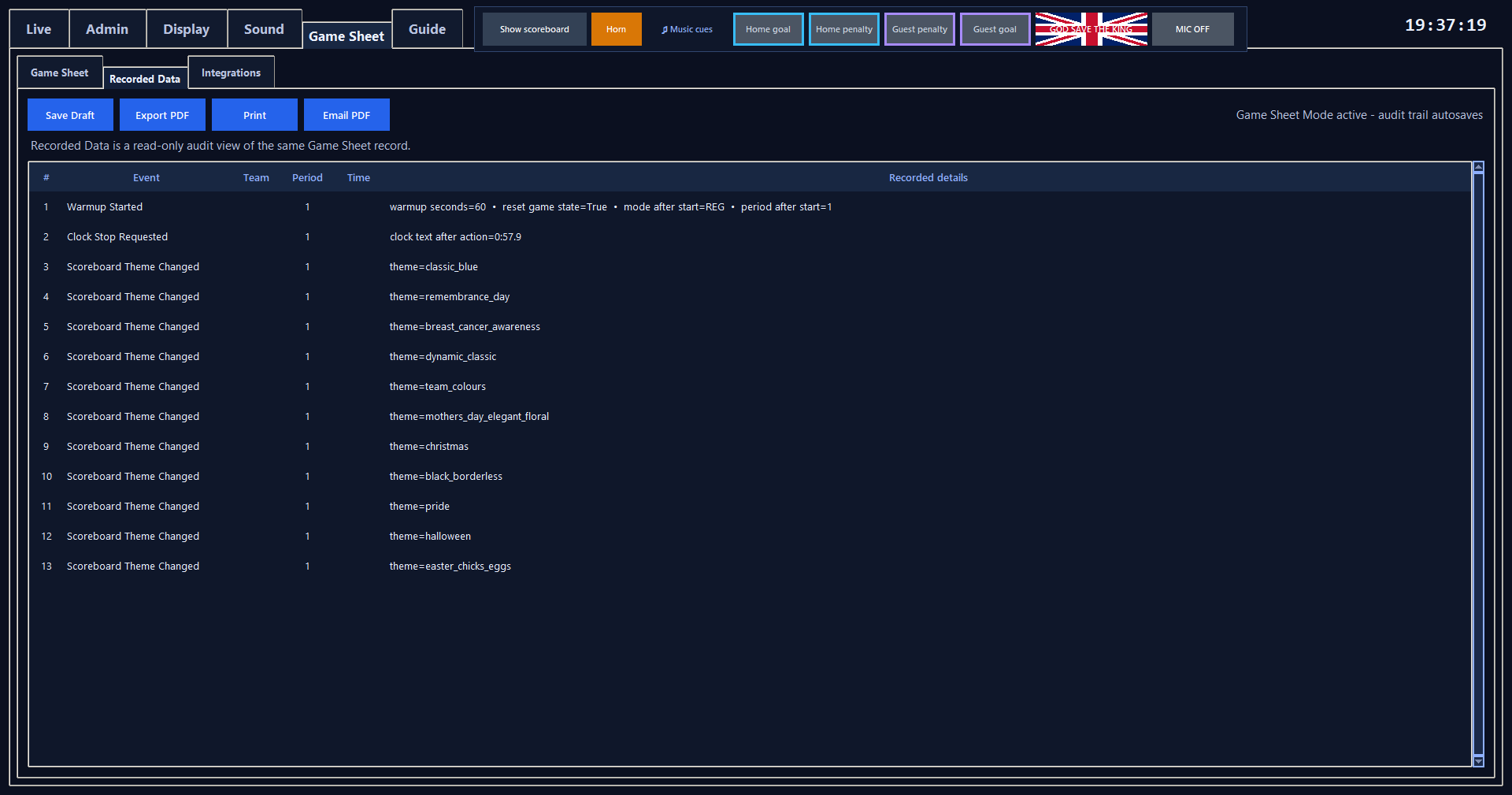
Choose Game Sheet Mode when you start warm-up or the game. The Game Sheet tab appears beside Sound, with an editable sheet and a Recorded Data view. The Integrations tab outlines planned connections to online sports-management platforms.
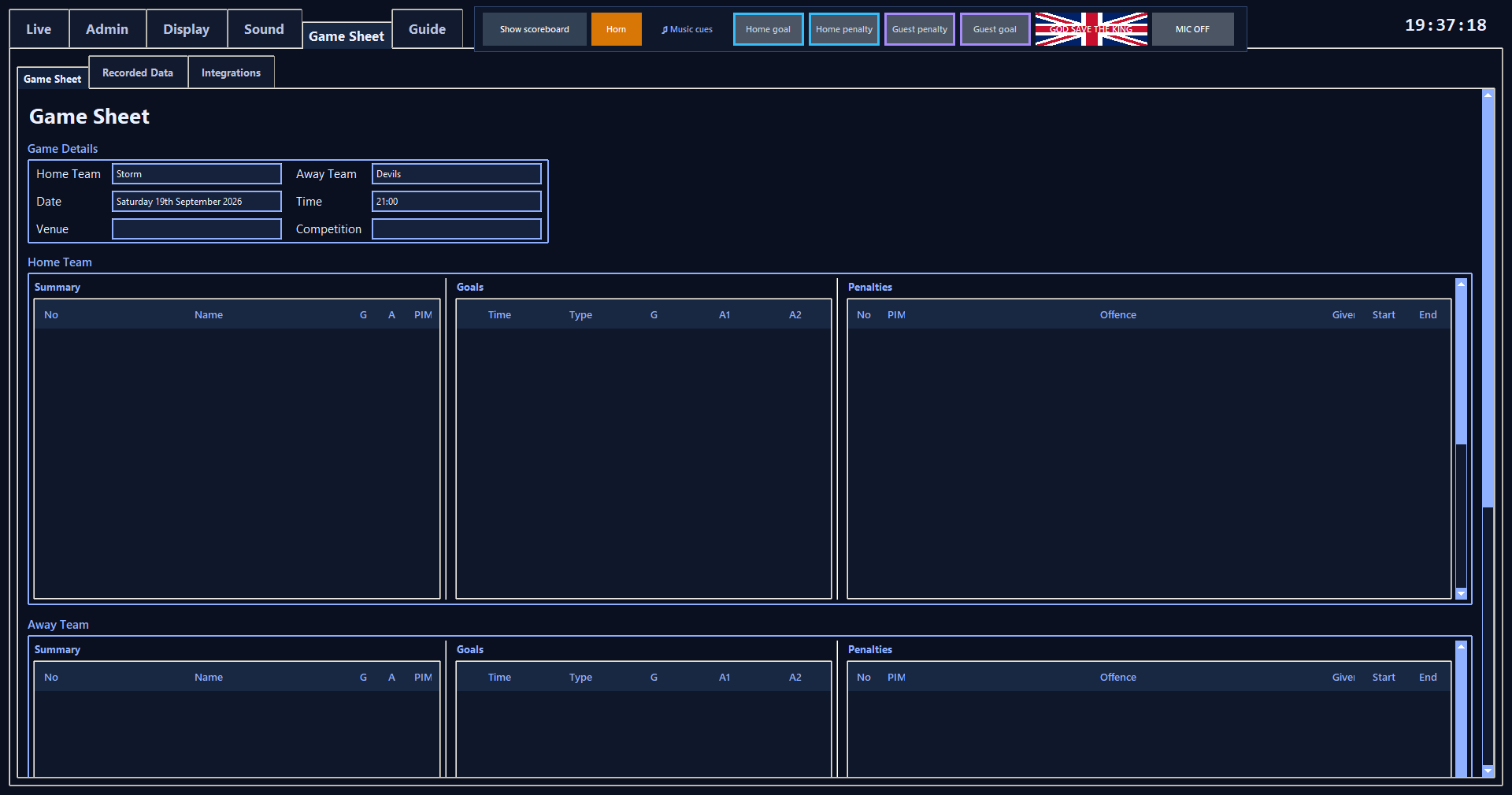
Integrations: This tab is marked “To be developed” in the app. Real-time updates to supported online sports-management platforms are planned.
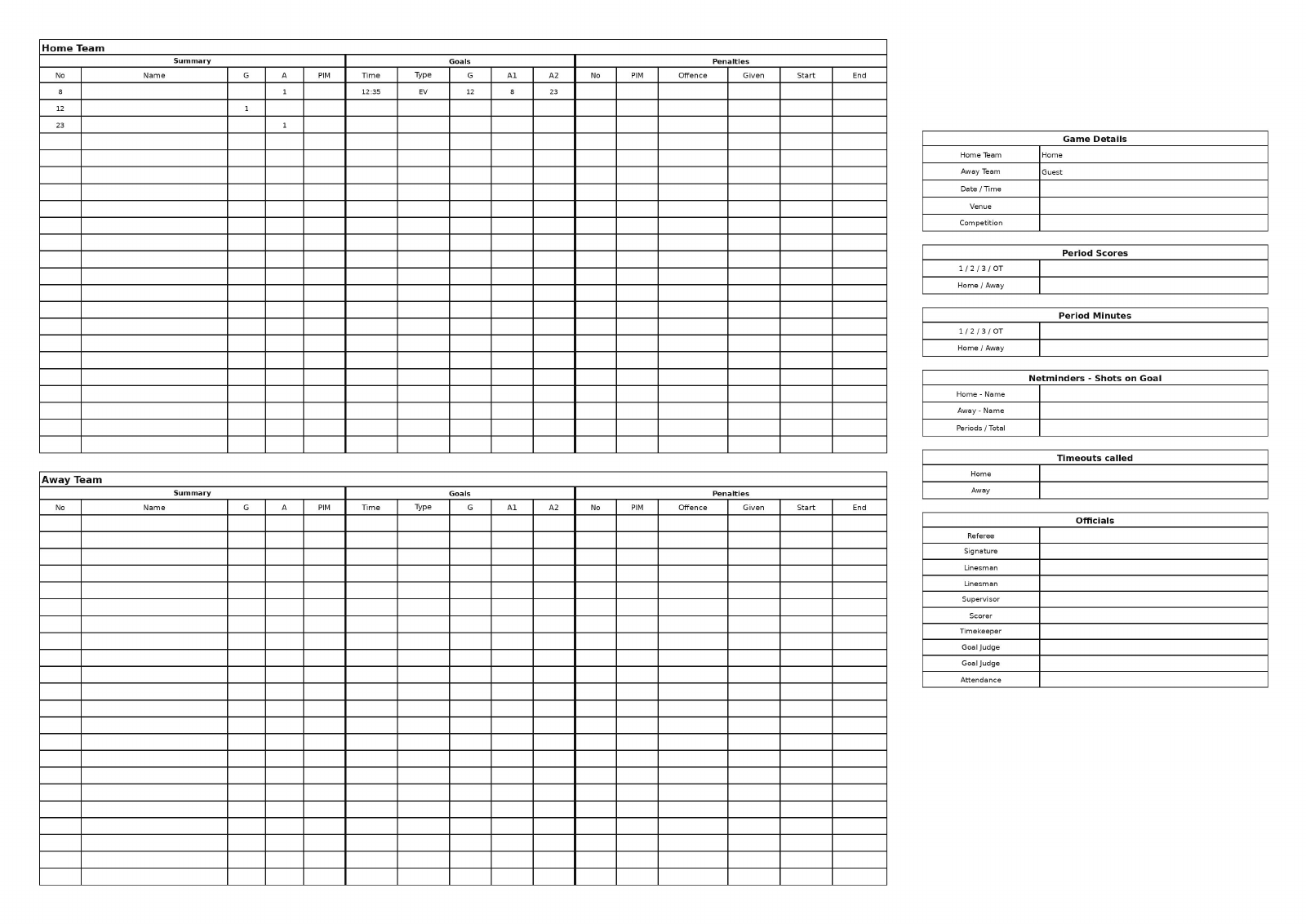
Enter goal scorers and assists when known. Record penalties and offences as the match unfolds.
Review team details, goals, penalties, period scores, shots, timeouts and officials. Correct entries on the editable sheet.
Save a draft, export a PDF, print or prepare an email with the current PDF.
Use optional live diagnostic logs and a support snapshot to investigate an issue.
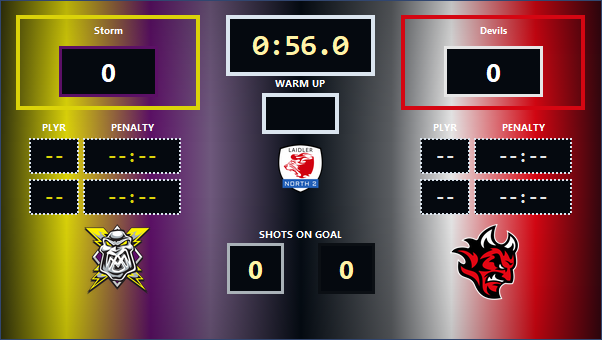
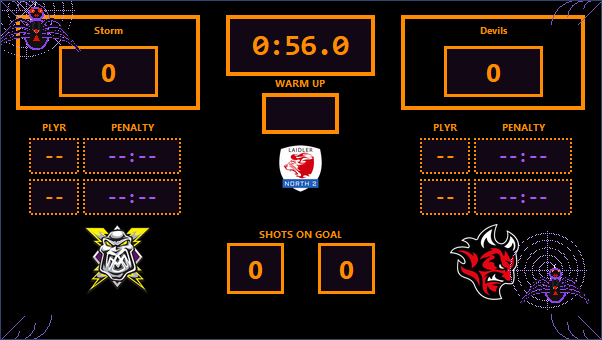
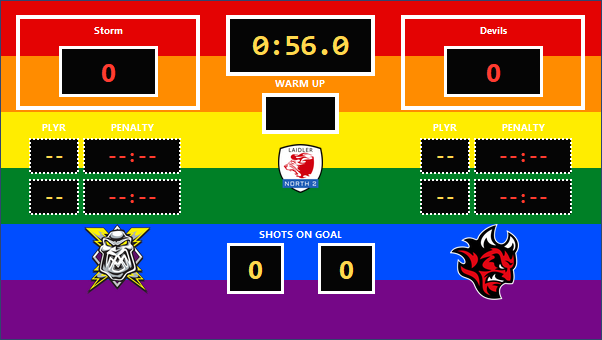
Browse the actual scoreboard displays, from club colours and classic layouts to seasonal and awareness themes. View all themes →
RinkScore began as a backup for an ageing ice hockey scoreboard. It has grown into a match-day control application shaped by real rink operation.